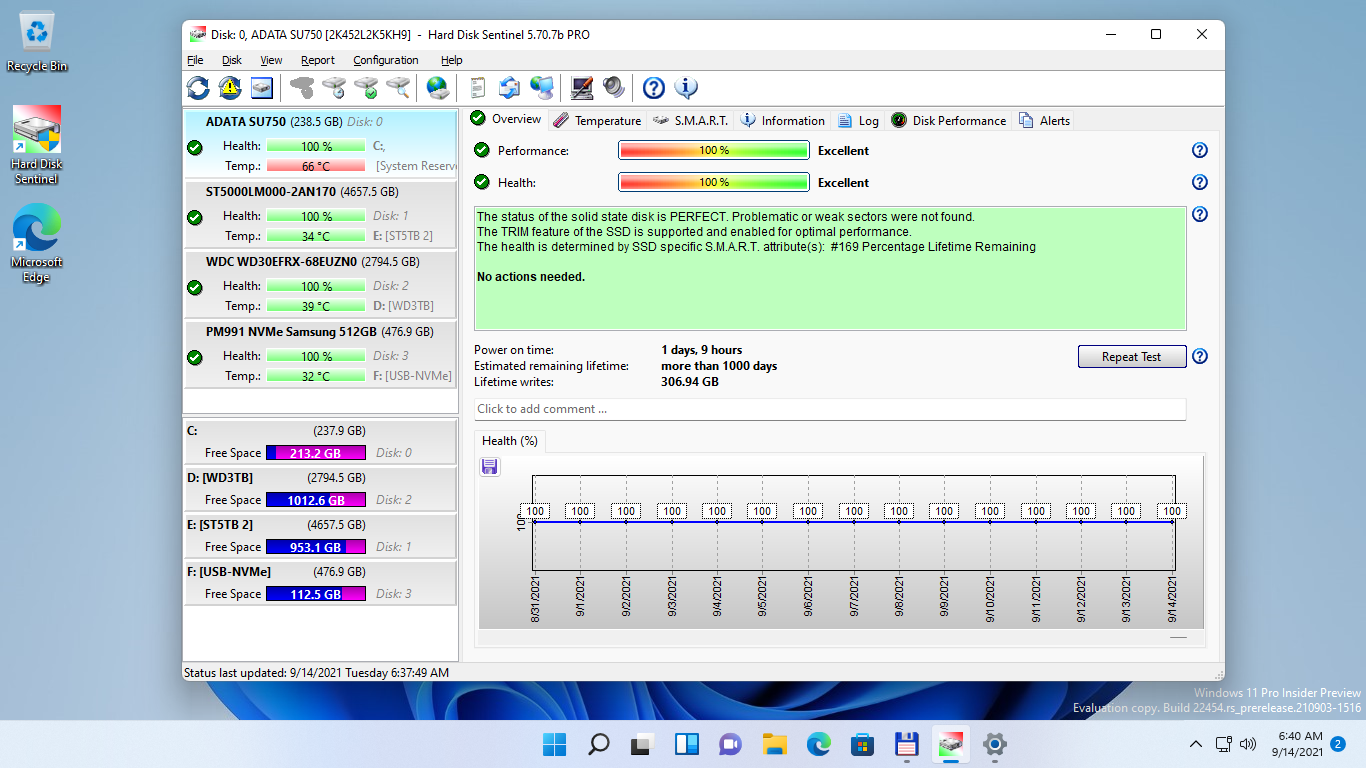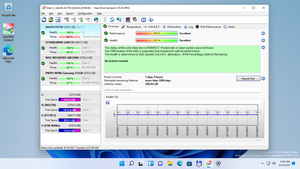
Main window with menu and quick buttons for faster navigation. Health history graph and textual description about the SSD status. | 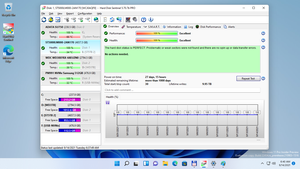
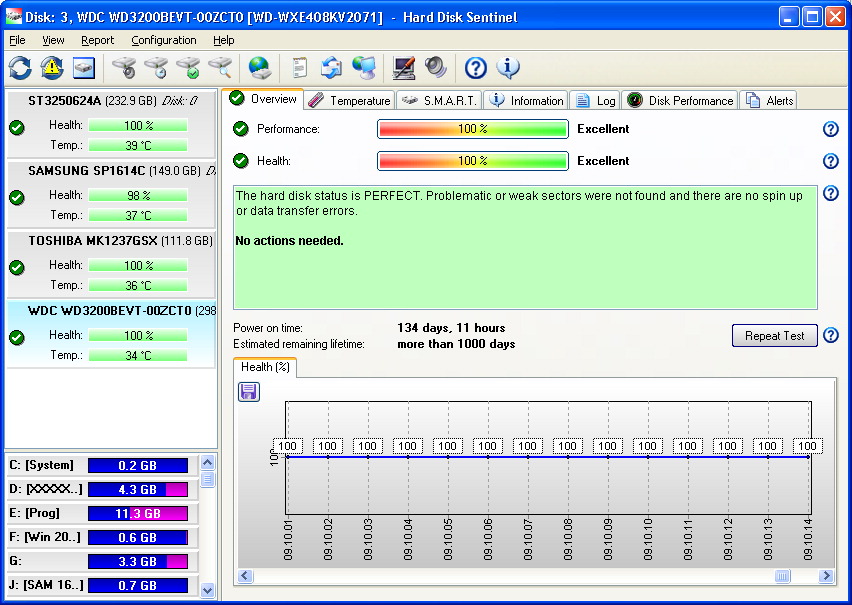
Main window with health history graph and textual description about the hard disk drive status. |
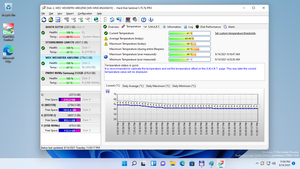
Extensive temperature history and statistics, details available for the disk drives. | 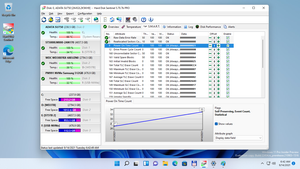
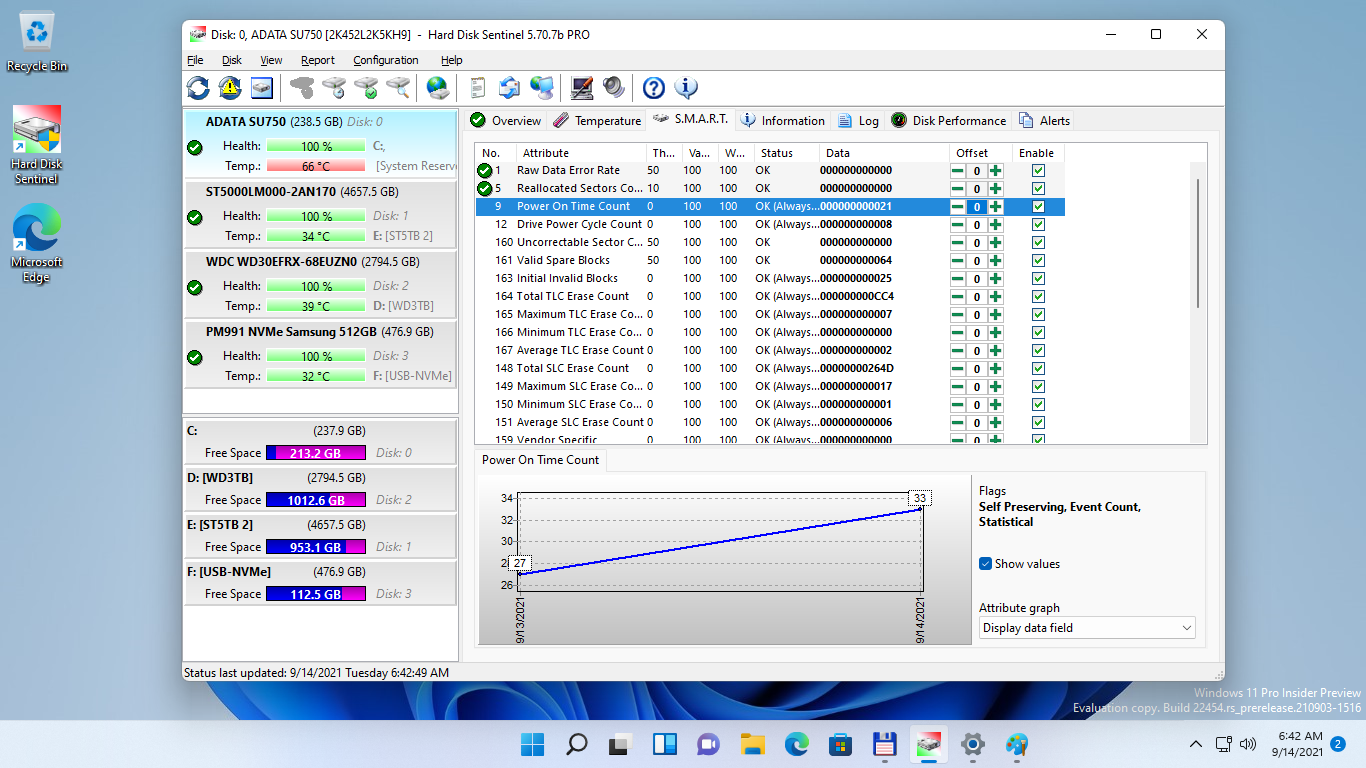
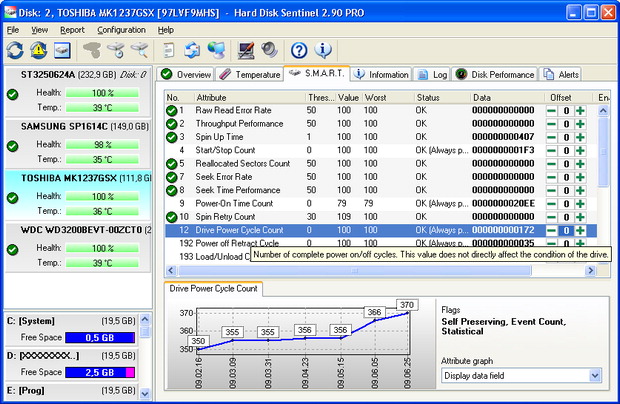
Store and display the current S.M.A.R.T. attributes, their description and history. It is possible to control how attributes should be used to determine hard disk status and set offset values for the attributes. |
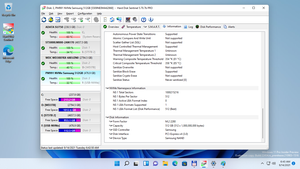
Detailed information about the disk drive characteristics and functionality / features. | 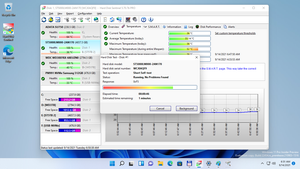
Running Short self test function from the Disk menu. |
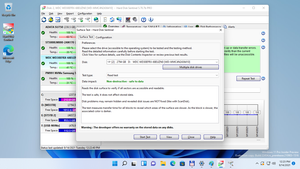
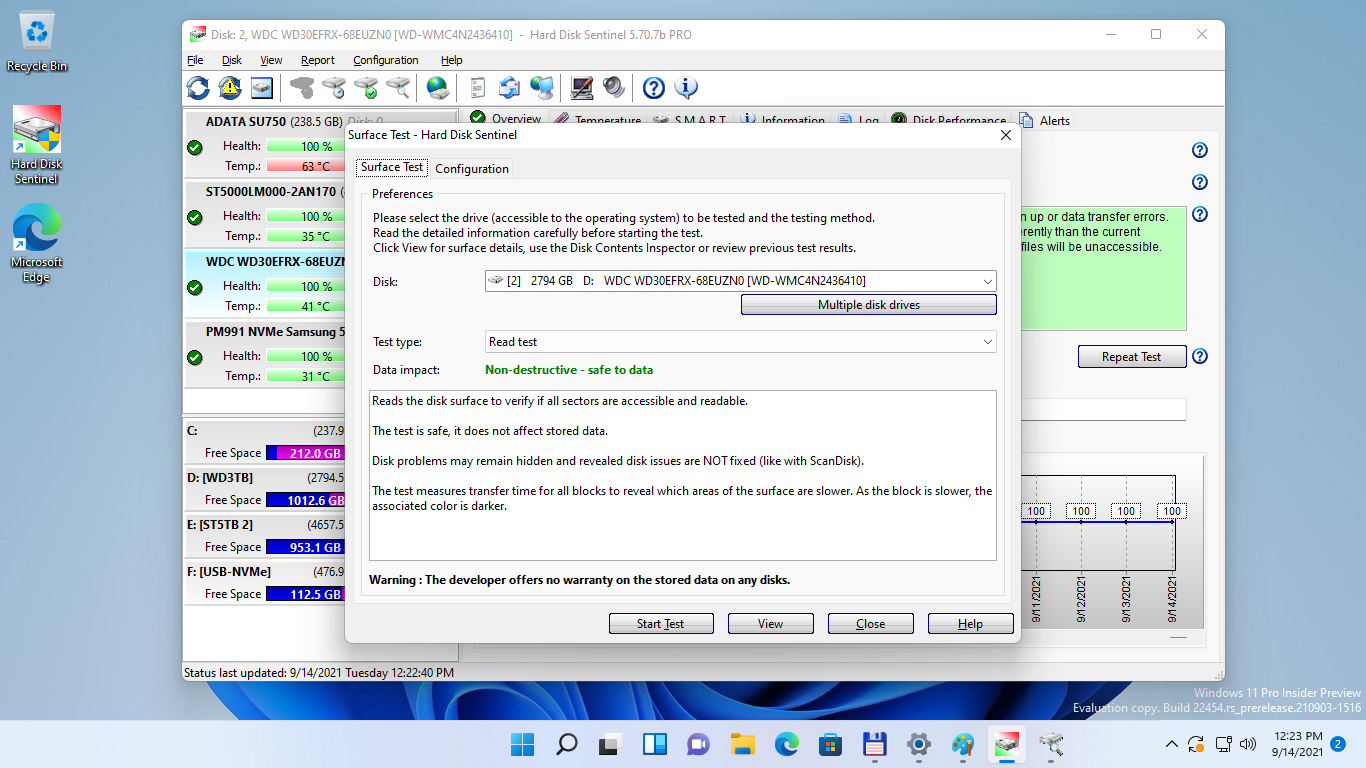
Numerous disk test functions available to diagnose hard disk drives, SSDs and flash storage: to reveal and repair (stabilize) the status and improve usability of the disk drive. | 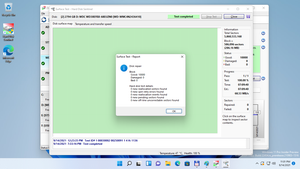
Results of a completed surface test, showing revealed / detected / repaired problems and status change. |
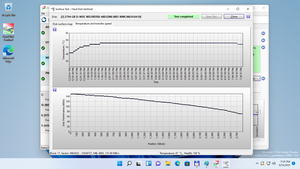
Verify temperature and test speed during and after the test to reveal drops in performance. | 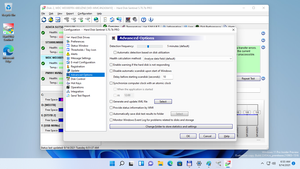
Advanced options allow power users to automatically record disk test results and export status information to be processed from 3rd party apps. |

Main window (captured under Windows XP). | 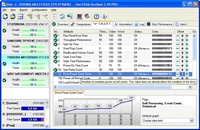
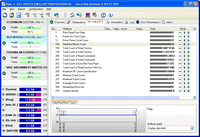
S.M.A.R.T. attribute history (captured under Windows XP). |
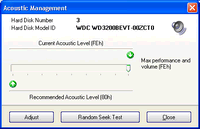
Make the hard disk drive more silent or let it perform with fastest performance. Test noise and performance levels immediately! | 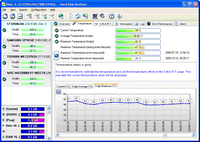
Detailed statistics about hard disk temperature, including highest temperature ever measured by the hard disk drive (including the period where Hard Disk Sentinel was not active) |
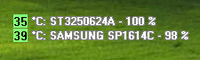
Option to display information directly on desktop | 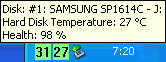
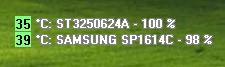
Intuitive tray icon showing temperature with the colors defined |
Displays SSD specific attributes and health based on SSD specific methods | 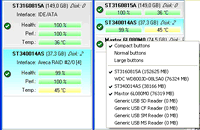
Right click to select the size of buttons and option to hide hard disk drives, devices |